
Who oh-my-pi is for#
Best fit
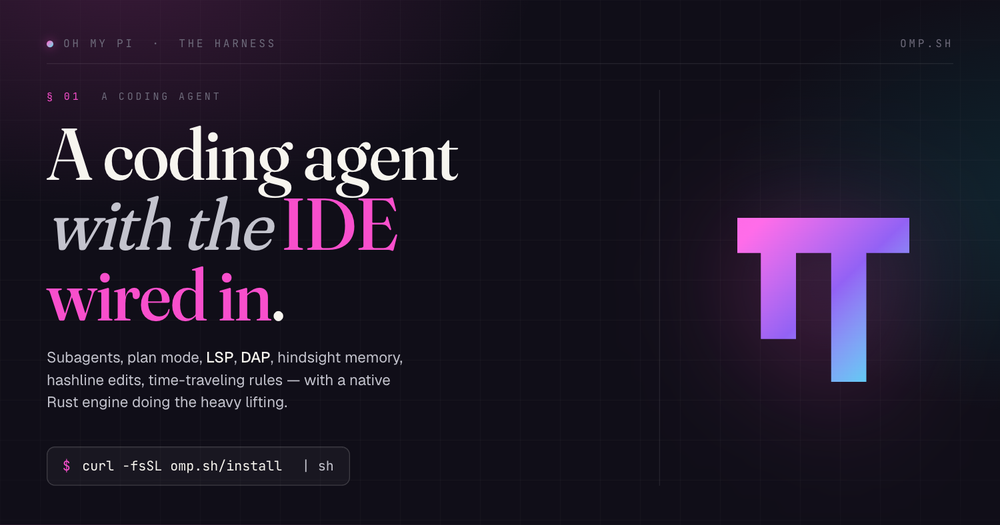
oh-my-pi is best for developers who want an open terminal AI coding agent with deeper IDE-style tools than a basic model wrapper. It fits advanced users who are comfortable configuring CLI tooling and want control over models, memory, and execution surfaces.
Consider alternatives when
Adopt it when terminal speed and tool depth matter more than a gentle graphical onboarding path. It is probably too much for teams that only need occasional inline autocomplete.
The problem it solves#
Many terminal coding agents can read files and call a model, but they lack the editor-grade context that makes changes land cleanly. Without LSP, debugger, structured search, and safer edit primitives, the agent burns time on retries or asks the developer to repair avoidable mistakes.
Teams also face deployment and infrastructure friction when the best agent experience lives inside a proprietary IDE. If the coding workflow must run in a terminal, on remote machines, or across mixed models, a closed editor surface may not fit.
How it solves it#
LSP-backed operations let the agent rename
LSP-backed operations let the agent rename symbols and understand references like an editor.
Debugger integration helps agents inspect native
Debugger integration helps agents inspect native, Go, and Python failures without print-only loops.
Subagents can split larger tasks into
Subagents can split larger tasks into isolated worktrees and return structured findings.
Hash-anchored edits reduce fragile patch attempts
Hash-anchored edits reduce fragile patch attempts and protect against stale context.
Terminal-first deployment works across local and
Terminal-first deployment works across local and remote development environments.
Strengths and trade-offs#
Strengths
- oh-my-pi, also called omp, packages aoh-my-pi, also called omp, packages a terminal coding agent with a Rust core, TypeScript tooling, built-in search, LSP operations, debugger support, subagents, and memory.
- The project is MIT licensed andThe project is MIT licensed and can be installed through the official shell script, npm package, Bun, PowerShell, or mise.
- This approach sits in the DeveloperThis approach sits in the Developer Tools category because it gives developers a full agent harness rather than a narrow chat wrapper.
Trade-offs
- -When to choose another pathAdopt it when terminal speed and tool depth matter more than a gentle graphical onboarding path. It is probably too much for teams that only need occasional inline autocomplete.
oh-my-pi vs alternatives#
Unlike Cursor's proprietary IDE agent experience, oh-my-pi keeps the coding agent in an open terminal workflow with local tool orchestration and model choice. Compared to paid commercial tools in this category, oh-my-pi is better for terminal-native teams that want agent internals exposed.
Quick start#
Install oh-my-pi with the official shell installer when you want the source-preferred setup path from the README.

```bash
curl -fsSL https://omp.sh/install | sh
```

If your environment blocks shell-pipe installers, use the README-listed npm path instead.

```bash
npm install -g @oh-my-pi/pi-coding-agent
```What it's built on#
- Languages
- PythonRustTypeScript
- Runtimes
- Bun
FAQ#
What is oh-my-pi best for?
oh-my-pi is best for developers who want an open terminal AI coding agent with deeper IDE-style tools than a basic model wrapper. It fits advanced users who are comfortable configuring CLI tooling and want control over models, memory, and execution surfaces.
How does oh-my-pi compare to paid tools?
Unlike Cursor's proprietary IDE agent experience, oh-my-pi keeps the coding agent in an open terminal workflow with local tool orchestration and model choice. Compared to paid commercial tools in this category, oh-my-pi is better for terminal-native teams that want agent internals exposed.
How do I install oh-my-pi?
Install oh-my-pi with the official shell installer when you want the source-preferred setup path from the README. curl -fsSL https://omp.sh/install | sh
Similar open-source tools#

orbi
GitHub Issues in, reviewed code merged, tagged releases out

Pi
The minimal, self-extensible coding agent for the terminal

Jean
A dev environment for running AI agents in isolated git worktrees

fx
Native Zig CLI coding agent, 7.8 MiB, any AI model.

codex
OpenAI's terminal coding agent, Apache-2.0 licensed

kilocode
Open source AI coding agent. 500+ models at zero markup.